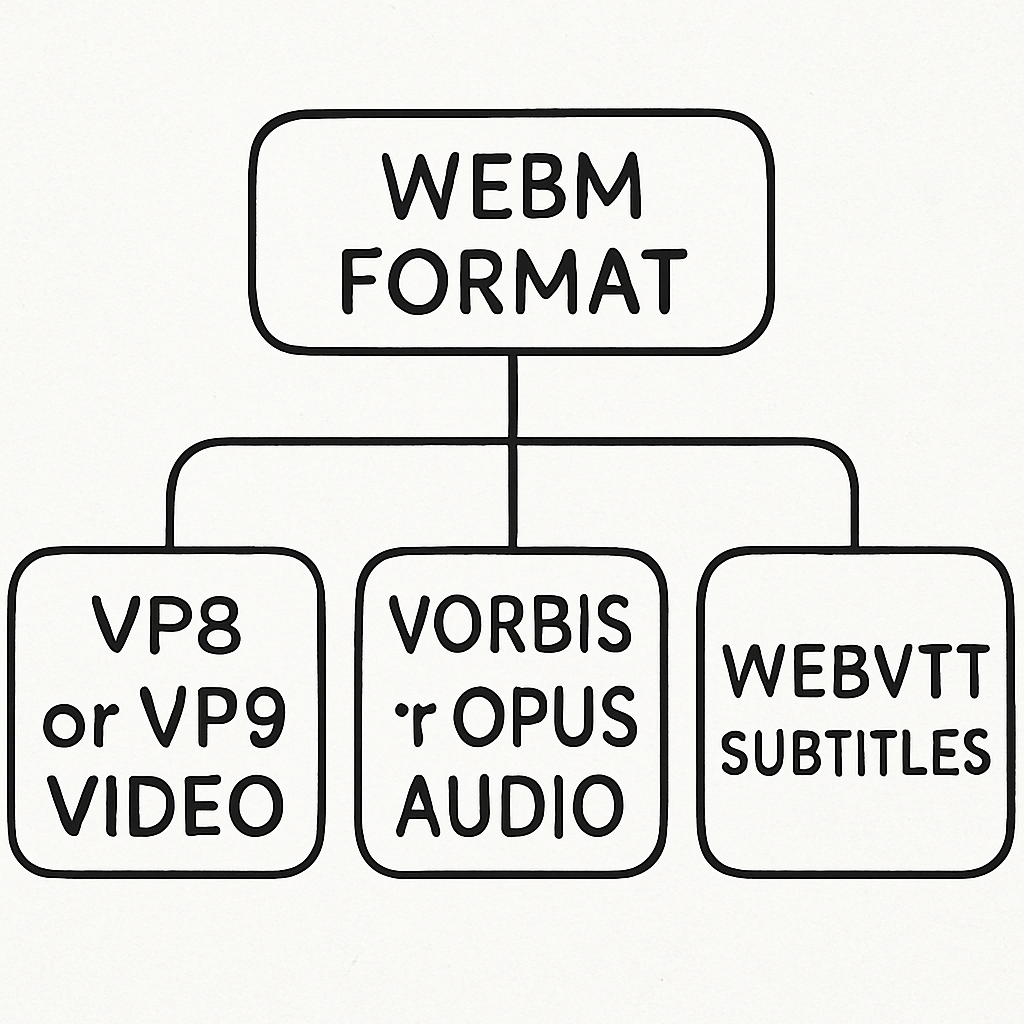
Before diving into the methods, it’s important to understand the fundamentals of video downloading. Most news websites stream videos using embedded players, which means the video files are not directly accessible. This is often due to the use of content delivery networks (CDNs) and adaptive bitrate streaming, which help manage server load and provide a seamless viewing experience. To download these videos, you need special tools or software that can capture the stream, essentially intercepting the video data as it’s being played.
Furthermore, some websites use encryption and obfuscation techniques to protect their video content from being downloaded. This can complicate the downloading process and may require more advanced tools that can bypass these protections. Understanding these technical aspects will help you choose the right method and tool for downloading videos efficiently. It’s also crucial to be aware of the potential security risks involved, such as downloading malicious software or violating privacy policies.
Legal Considerations
Downloading videos from news websites should be done with caution. Many sites have terms of service that prohibit downloading or redistributing their content. Always ensure you have the right to download and use the video for your intended purpose, especially if it’s for commercial use. Violating these terms can lead to legal issues, including takedown notices or even lawsuits. It’s essential to familiarize yourself with the specific terms of service of each website you download from.
Additionally, copyright laws vary by country, so it’s important to understand the legal framework in your jurisdiction. Some countries have more lenient fair use policies that allow for educational or personal use of copyrighted material, while others have stricter regulations. When in doubt, consider reaching out to the content owner for permission or opting for videos that are explicitly labeled as free to use or share. Respecting intellectual property rights is not only a legal obligation but also an ethical one.
Methods to Download News Website Videos
There are several approaches you can use to download videos from news websites. Here, we outline some of the most effective methods. Each method has its own set of advantages and limitations, making it important to choose the one that best fits your needs. Whether you prefer convenience, advanced features, or compatibility, there’s a method out there for you.
Using Browser Extensions
Browser extensions are one of the simplest ways to download videos. They integrate directly with your web browser and allow you to download content with just a few clicks. This makes them particularly appealing for users who prioritize ease of use and quick access. Browser extensions work by detecting video files on a webpage and providing a download option directly in your browser interface.
However, not all browser extensions are created equal. Some may have limited support for certain websites or video formats. It’s important to choose reputable extensions with positive user reviews to ensure a smooth experience. Additionally, keep in mind that browser updates or changes in website code can sometimes disrupt the functionality of these extensions, so it’s wise to keep them updated and have alternative methods ready.
Popular Browser Extensions
- Video DownloadHelper: Compatible with both Chrome and Firefox, this extension can detect and download videos from a variety of websites, including news sites. It supports multiple video formats and resolutions, making it a versatile choice for users who frequently download videos from different sources. Video DownloadHelper also offers additional features like video conversion and downloading playlists or channels.
- Flash Video Downloader: Another powerful tool that supports multiple video formats and websites. It provides a user-friendly interface and allows you to download videos with a single click. Flash Video Downloader is known for its reliability and compatibility with a wide range of websites, making it a popular choice among users who prefer a straightforward solution.
To use these extensions, simply install them from your browser’s extension store, navigate to the news website, and click the extension icon when a video is detected. Make sure to review the permissions requested by each extension to protect your privacy and security. It’s also a good idea to disable or remove extensions you no longer use to keep your browser running smoothly.
Using Online Video Downloaders
Online video downloaders are web-based tools that let you download videos by simply pasting a URL. These tools are convenient as they don’t require any installation, making them accessible from any device with an internet connection. Online downloaders are ideal for users who prefer a hassle-free approach and don’t want to clutter their system with additional software.
However, the reliability and quality of online video downloaders can vary significantly. Some may have limitations on the video length or quality they can handle, while others may be plagued with intrusive ads or malware. It’s crucial to choose a reputable online downloader with positive user reviews and a clean, user-friendly interface.
Steps to Use Online Video Downloaders
- Find the Video URL: Navigate to the news website and play the video you wish to download. Right-click on the video and select “Copy video URL” or locate the video URL in the address bar. Some websites may require you to view the page source to find the direct video URL.
- Paste the URL: Visit a reliable online video downloader like SaveFrom.net or Y2Mate. Paste the URL into the input box provided on the site. These platforms often support a variety of formats and resolutions, allowing you to choose the best option for your needs.
- Download the Video: Choose your desired video quality and format, then click the download button. Depending on the site, you may have options to convert the video to different formats or extract audio tracks. Be cautious of pop-ups or redirects, and ensure your ad-blocker is enabled for a safer browsing experience.
Using Dedicated Software
For those who frequently download videos, dedicated software might be the best option. These programs offer advanced features and support batch downloading, making them ideal for power users who need to download large quantities of videos efficiently. Dedicated software often provides more customization options and faster download speeds compared to browser extensions or online tools.
While dedicated software requires installation, it often comes with additional benefits like video editing, format conversion, and integration with other media libraries. Choosing the right software depends on your specific needs and the types of videos you download most frequently.
Recommended Software
- 4K Video Downloader: This software supports multiple formats and resolutions, and allows you to download entire playlists or channels. It’s known for its intuitive interface and robust features, including the ability to download subtitles and 3D videos. 4K Video Downloader is a great choice for users who value versatility and quality.
- Freemake Video Downloader: Known for its user-friendly interface, it supports over 10,000 websites. It allows you to download videos in various formats and resolutions, and even convert them to audio files if needed. Freemake Video Downloader is ideal for users who want a reliable tool with a simple, straightforward interface.
To use these tools, download and install the software, then follow the on-screen instructions to download your videos. Most dedicated software offers comprehensive guides and tutorials to help you get started. Remember to keep your software updated to take advantage of new features and improvements.
Practical Tips for Downloading Videos
Ensuring Video Quality
When downloading videos, it’s important to select the right quality. Higher resolutions like 1080p or 4K provide better clarity, but require more storage space. Choose a resolution that balances quality and file size based on your needs. Consider the device you’ll be watching the video on—higher resolutions may be unnecessary for smaller screens, while larger displays can benefit from the extra detail.
Additionally, keep in mind that higher quality videos may take longer to download, especially on slower internet connections. If you’re downloading multiple videos, consider prioritizing the ones you need in higher quality and opting for lower resolutions for others to save time and bandwidth. Always check the available storage space on your device to avoid running into issues during the download process.
Managing Downloaded Files
Organize your downloaded videos into folders by topic or date to make them easier to find later. Rename files with descriptive titles instead of the default names to quickly identify them. This is especially useful if you download a large number of videos regularly, as it helps maintain order and prevents clutter.
Consider using media management software to help categorize and sort your video library. These tools often come with features like tagging, metadata editing, and playback options, making it easier to manage and enjoy your video collection. Regularly back up your downloaded videos to an external drive or cloud storage to prevent data loss in case of hardware failure or other issues.
Troubleshooting Common Issues
Video Not Detected
Sometimes, your browser extension or online downloader might not detect the video. If this happens, try refreshing the page or restarting your browser. Ensure that the extension or software is updated to the latest version, as updates often fix bugs and improve compatibility with newer website technologies.
If the problem persists, try using a different browser or downloading method. Some websites may have specific configurations that interfere with certain tools. Experimenting with different combinations can help you find a solution that works. Additionally, check online forums or support pages for troubleshooting tips specific to the tool or website you’re using.
Incomplete Downloads
If downloads are incomplete or fail to start, check your internet connection. Slow or unstable connections can cause these issues. Restarting your router or switching to a wired connection can sometimes resolve connectivity problems. If problems persist, try using a different tool or method, as some may handle network interruptions better than others.
Additionally, some websites may have restrictions on download speed or concurrent downloads, which can affect the success of your download. Adjusting your tool’s settings to accommodate these limitations or scheduling downloads during off-peak hours can help improve completion rates. Always monitor your downloads to identify and address any issues promptly.
Legal Roadblocks
Some websites have robust anti-download mechanisms in place. If you’re unable to download a video, it might be due to legal restrictions. Always respect these limitations and seek alternative methods that comply with the website’s terms of service. Understanding the legal landscape can help you avoid potential pitfalls and find legitimate ways to access the content you need.
Consider exploring subscription services or official apps provided by news websites, which often offer offline viewing options within legal boundaries. These services may come with additional benefits like ad-free viewing and exclusive content, making them a worthwhile investment for frequent viewers. Always prioritize legal and ethical considerations when downloading videos.
Conclusion
Downloading videos from news websites can be a straightforward process with the right tools and methods. Whether you choose browser extensions, online downloaders, or dedicated software, each option has its advantages. Always remember to consider the legal implications and respect the terms of service of the website. By following this guide, you can easily and effectively download the news videos you need.
In summary, understanding the methods and tools available will empower you to download videos efficiently, while staying within legal boundaries. By balancing convenience, quality, and legality, you can enjoy a seamless video downloading experience. Happy downloading!